
Did you know that, besides the communication, photo, and social functions, vivo phones have many other hidden practical functions? Making good use of these functions will make your phone easier to use. Want to learn? Take a look below.
1. Take photos with volume buttons
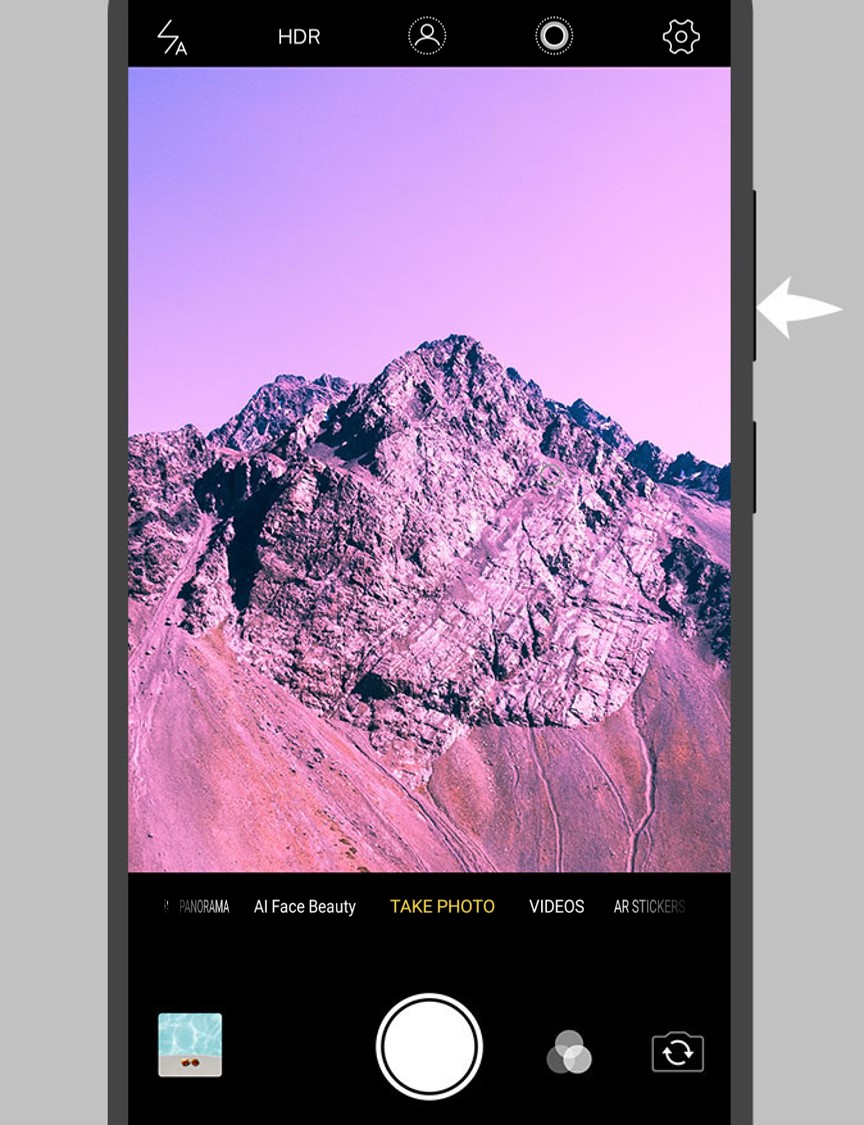
How do you usually take photos? Do you just tap the shutter button on the camera interface? If so, you're behind the times! Now there's a more convenient way to take photos. In the main camera interface, press a volume button to take a quick photo. It's super convenient!
2. Quick screenshot
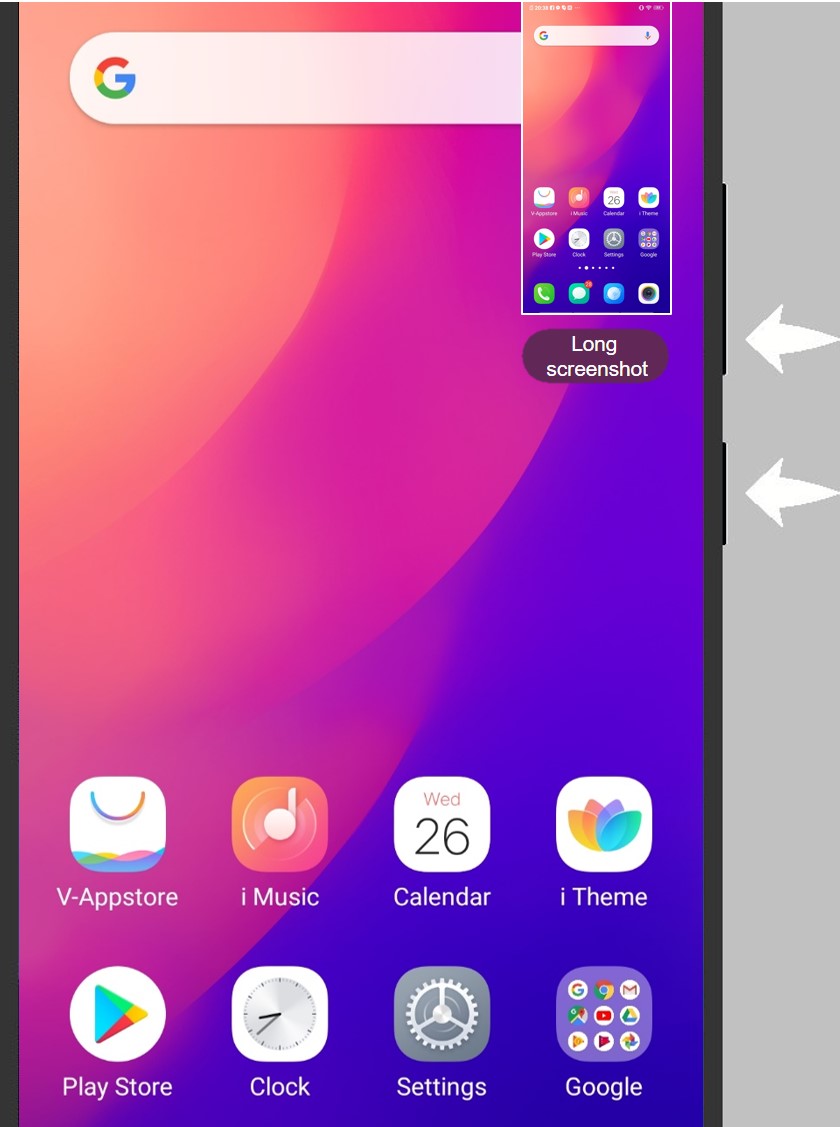
Do you know how to take screenshots on your phone? In addition to swiping up on the home screen to access the control center and selecting super screenshot from the shortcuts, there is another way to take quick screenshots that you must learn.
Press and hold the volume down and the power button at the same time when the screen is on to take a quick screenshot. If this doesn't work on your phone, try pressing and holding the power button and Home button instead. Surprised, right?
3. Quick reboot
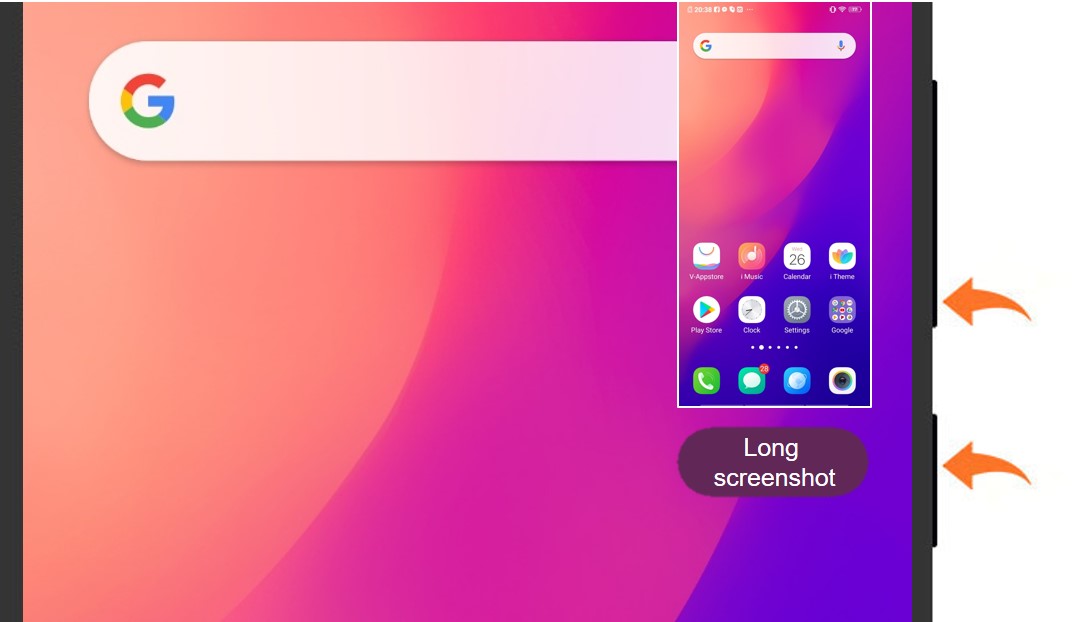
After all these years, do you still reboot your phone by pressing and holding the power button and selecting Reboot from the pop-up menu? An even better way is just to press and hold the volume down and the power button for 10 seconds to quickly restart the phone.
Please do not panic if the phone takes a quick screenshot while the combination buttons are pressed. This is completely normal. Keep holding the buttons until the phone starts to reboot.
4. Quick cleanup of junk
We download a lot of software to the phone throughout our everyday lives. By doing so, a large amount of system junk is generated, and when there is too much, it slows down the phone. Therefore, it is particularly important to regularly clean up system junk.
iManager is undoubtedly great at helping us clean system junk. It can automatically and quickly scan and clean up all kinds of junk files in the system, free up a lot of storage space, automatically speed up the system, and improve the overall performance of the phone. It really is a very practical feature.
In addition to cleaning up junk, iManager also has more practical functions. Open iManager to take a closer look.
5. Align icons quickly
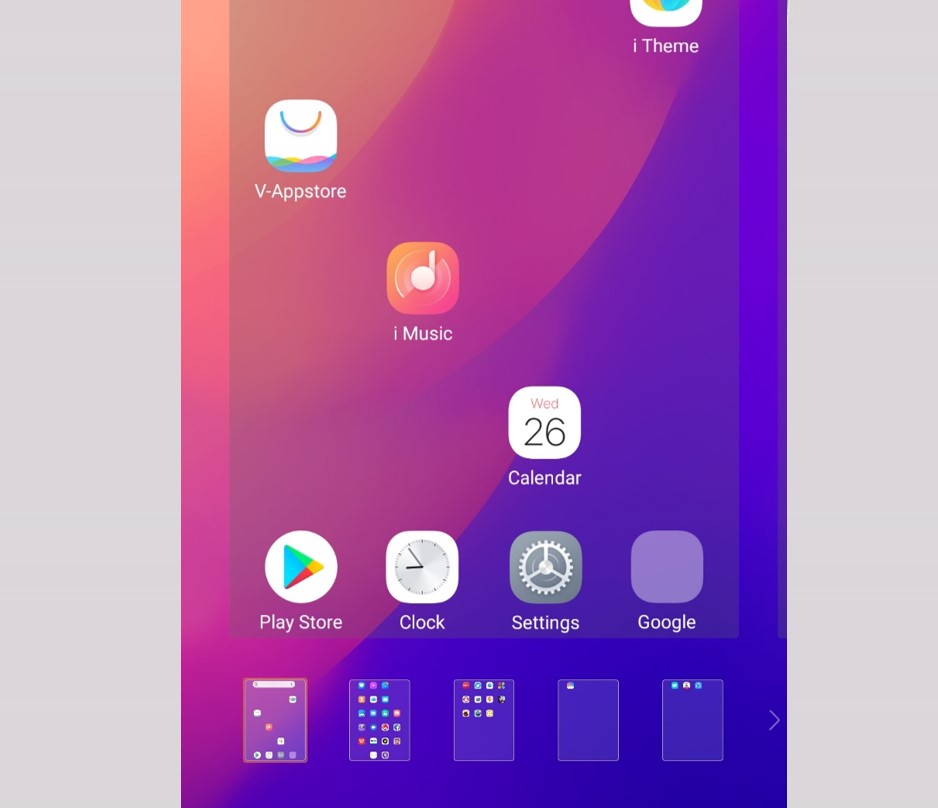
Are you still aligning icons one by one? It's fine to just align one icon, but if you want to align multiple icons, then moving them one by one is both time-consuming and hard work. To align icons quickly, press and hold an icon on the home screen to edit, and shake the phone to align icon. Isn't this convenient?
You probably never expected that, just like computers, vivo phones also have shortcut keys, which is good news for everyone. In fact, vivo phones are filled with many practical functions waiting for you to discover. More practical uses of vivo phones will be shared in the future.
The text and pictures in this article are for reference only. Please refer to the actual functions provided by the phone and the actual display interface.


